

TO: SALES · RE: FRONT GARDEN
“Could we add two more azaleas?”
Please keep the side gate closed. Can you send the revised price before ordering?
From the first phone call to the last plant in the ground. Your customers, crews, equipment, and company—working from the same plan.
Keep a next step on every opportunity.
People, places, and timing together.
Variety, quantity, nursery location, and the job each order supports.
 Reserved
One starting point for active jobs, open estimates, and the decisions holding up your team.
Here’s what needs your attention today.
The Oak Hill crew is scheduled. Confirm plant pickup before the truck leaves.
The office sees the order. The nursery sees the plants. The crew sees the plan. Anvil keeps the details connected across the handoff.
Property notes attached
From a nursery pad to a customer’s property. Built around the people who sell, plan, source, and deliver the work.
Estimates, installations, and the team behind every job.
Property concepts, revised scopes, and coordinated handoffs.
Recurring work, crew schedules, and equipment readiness.
Plant availability, receiving, staging, and job allocation.
Site requirements, account context, and repeat service.
Plant lists, delivery windows, and field instructions.
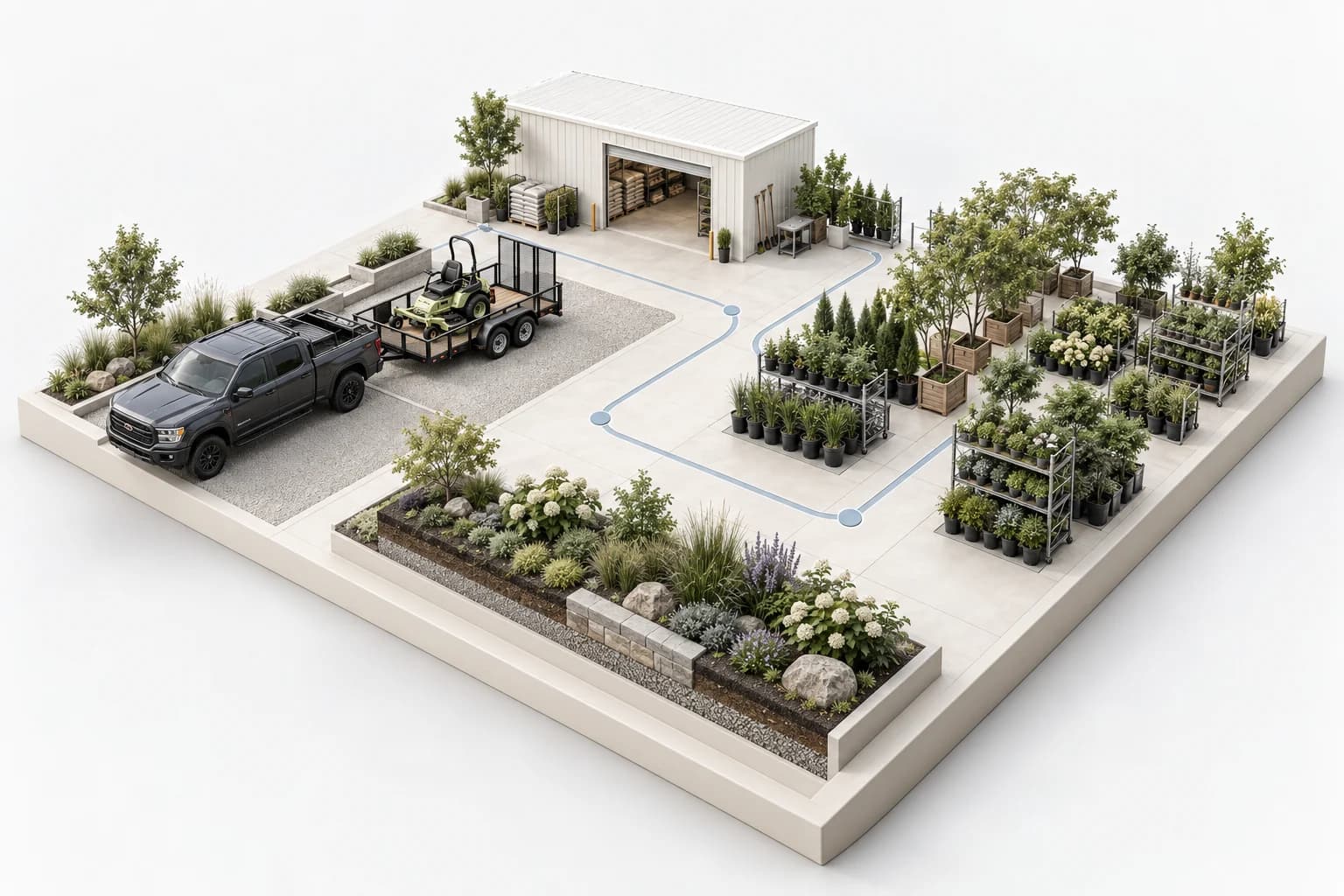
Industries and teams Anvil is designed for. This is not a customer endorsement list.
Every view is a different way into the same work.
Your team already has enough tabs open.
Anvil brings the work and its context together.Available connections depend on your company’s setup. Workspace visuals throughout this page use illustrative data.
Anvil keeps the details moving from the first customer conversation to the final photo, without asking your team to rebuild the story at every step.


Site-walk request, property, contact details, and planting interests captured.
Sales follow-up createdTruck, equipment, site access, plant quantities, and open questions checked together.
Ready to leaveCustomer history, property photos, prior work, and qualification notes travel with sales.
Context attachedQuantity, size, condition, nursery location, and the jobs they support stay visible.
Two pots need reviewProgress photos, crew notes, customer promises, billing status, and next visit are recorded.
Customer update readyIllustrative workday using sample records. Your workflows, roles, and connected systems are configured around your operation.
Keep the request, property, preferred window, and assigned owner together before promising an estimate.
Record condition, quantity, and staging location so a replacement or shortage stays attached to the job.
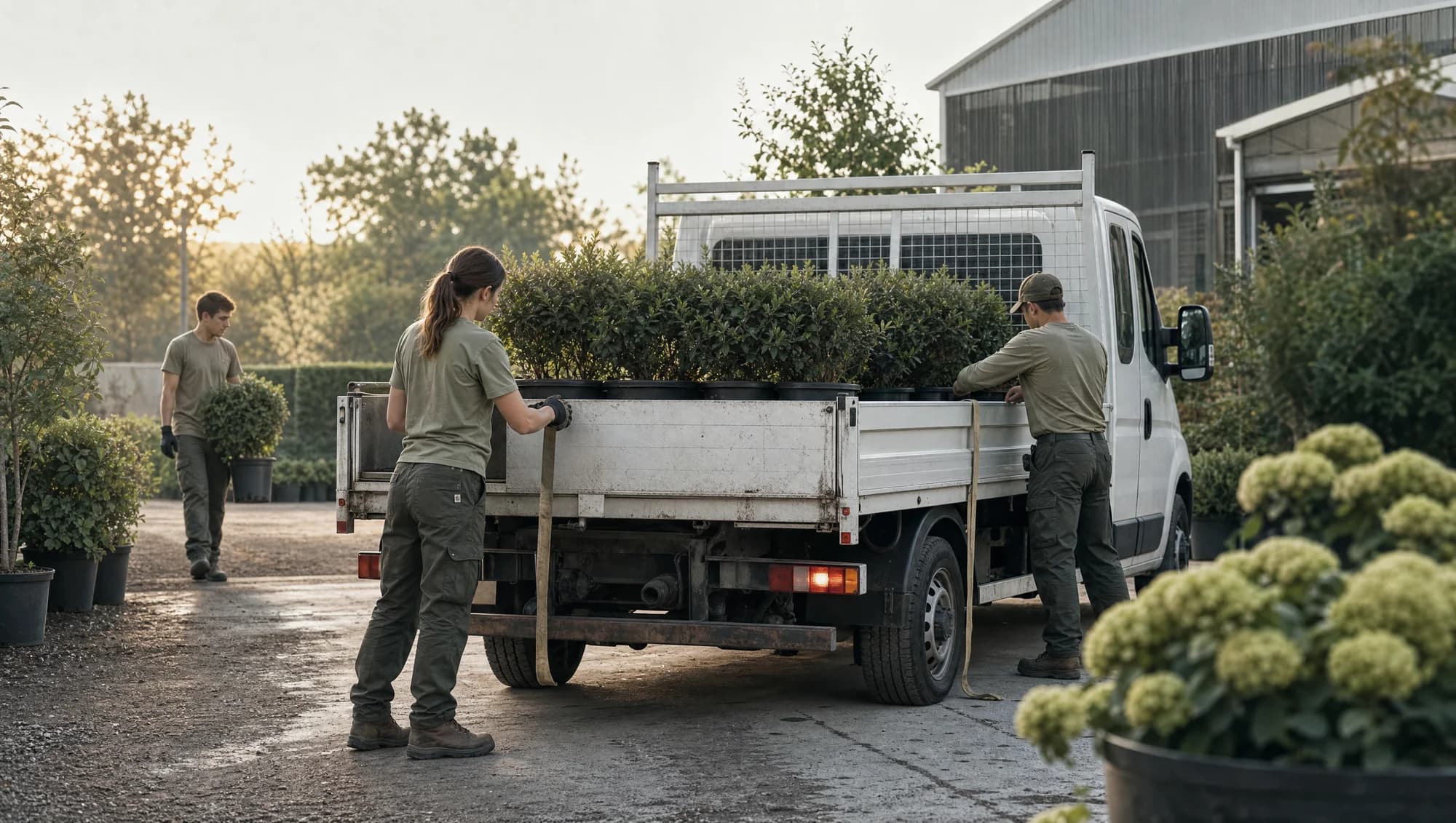
Keep the customer’s request, route context, and notice step visible while the route manager reviews the change.
Illustrative equipment and records. Availability and workflows depend on your company’s setup.
A customer changes the scope. The email, estimate, order, and crew conversation all need to agree.
Please keep the side gate closed. Can you send the revised price before ordering?
The truck is ready. The estimate says fourteen. The pickup list still says twelve.
Call before arrival. Side gate must stay closed.
One connected record. Nothing important left in someone’s inbox.
“Could we add two more azaleas?”Original customer email · 9:42 AM
Property, scope, photos, and customer preferences. The context your team needs before the first visit.

Call the homeowner. Close the side gate after every visit. Keep the front entry clear.
Customer Email · 9:42 AMCould we add two more azaleas? Please send the revised price before ordering.
Alex · Sales Job note · 9:48 AMRevision drafted: two additional plants at $95 each. New estimate total: $12,990.
Nursery team Job thread · 9:54 AMThe original twelve are staged in Bay A. We’ll confirm the extra two after approval.
“Call before the crew arrives.”
Carried into the next visit.A closer look at the records behind the work. Explore an estimate, open a property’s history, and follow the details into the field.
Line items, customer requests, proposal status, and revisions sit alongside the opportunity.
Site access, preferences, past conversations, estimates, and jobs stay with the property.
Nashville, Tennessee
Assignments, trucks, site instructions, and materials before loadout.

Variety, size, quantity, condition, location, and the job waiting for them.

Recurring work, customer preferences, service notes, and follow-up tasks.

| Record | What it contains | Responsible team | State |
|---|---|---|---|
| JOB-1042 | Front garden renovation | Operations | Installation |
| EST-1042 | Planting scope + labor | Estimating | Revision draft |
| PO-2084 | Azaleas / boxwood / magnolia | Purchasing | Review quantity |
| PROP-1028 | Oak Hill residence | Account owner | Access notes saved |
Illustrative records and workflow. Available connections and actions depend on your company’s setup.
Choose a workflow. Explore the sample records, details, and next steps.
Calls, contacts, properties, estimates, and follow-ups connect from the first conversation. See what’s moving and what needs a nudge.
The property, request, last interaction, and responsible person stay with the opportunity.
The same job looks different from sales, the nursery, the field, and the owner’s desk. Anvil connects those views without losing the original request or decision.
“Who called, what do they need, and what did we promise?”
“Is this customer qualified, and when can we get on site?”
“What did we see, what changed, and what should it cost?”
“Do we have the right plants in the right condition for this job?”
“Where are we going, what are we doing, and what could block us?”
“What is moving, what is stuck, and what needs my attention?”
Give the caller a useful conversation—and give your team the details, appointment, and next step that come out of it.
“Thanks for calling. Tell me a little about the property and what you have in mind.”
Follow the information—not another game of telephone.
The email names the property and asks for two more plants. Keep that original request linked to the opportunity.

| Line item | Original | Proposed | Difference |
|---|---|---|---|
| Azalea · 3 gallon | 12 | 14 | +2 |
| Plants + materials | $4,600 | $4,790 | +$190 |
| Installation labor | $5,400 | $5,400 | — |
| Irrigation adjustments | $2,800 | $2,800 | — |
Illustrative records and workflow. Available connections and actions depend on your company’s setup.
Bring property photos and proposed designs into the conversation. Compare options, keep the files with the property, and give estimating and installation the same visual reference.
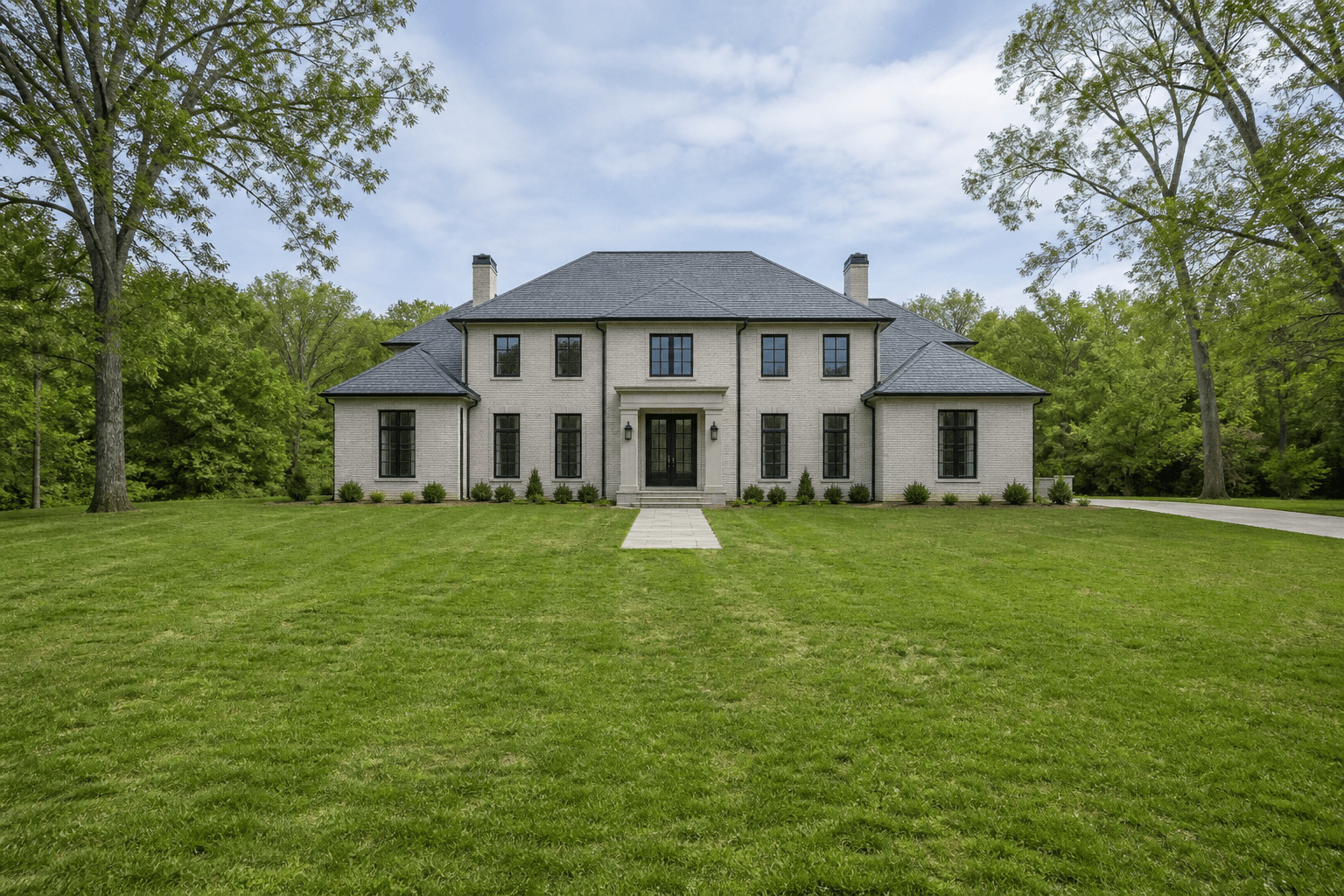
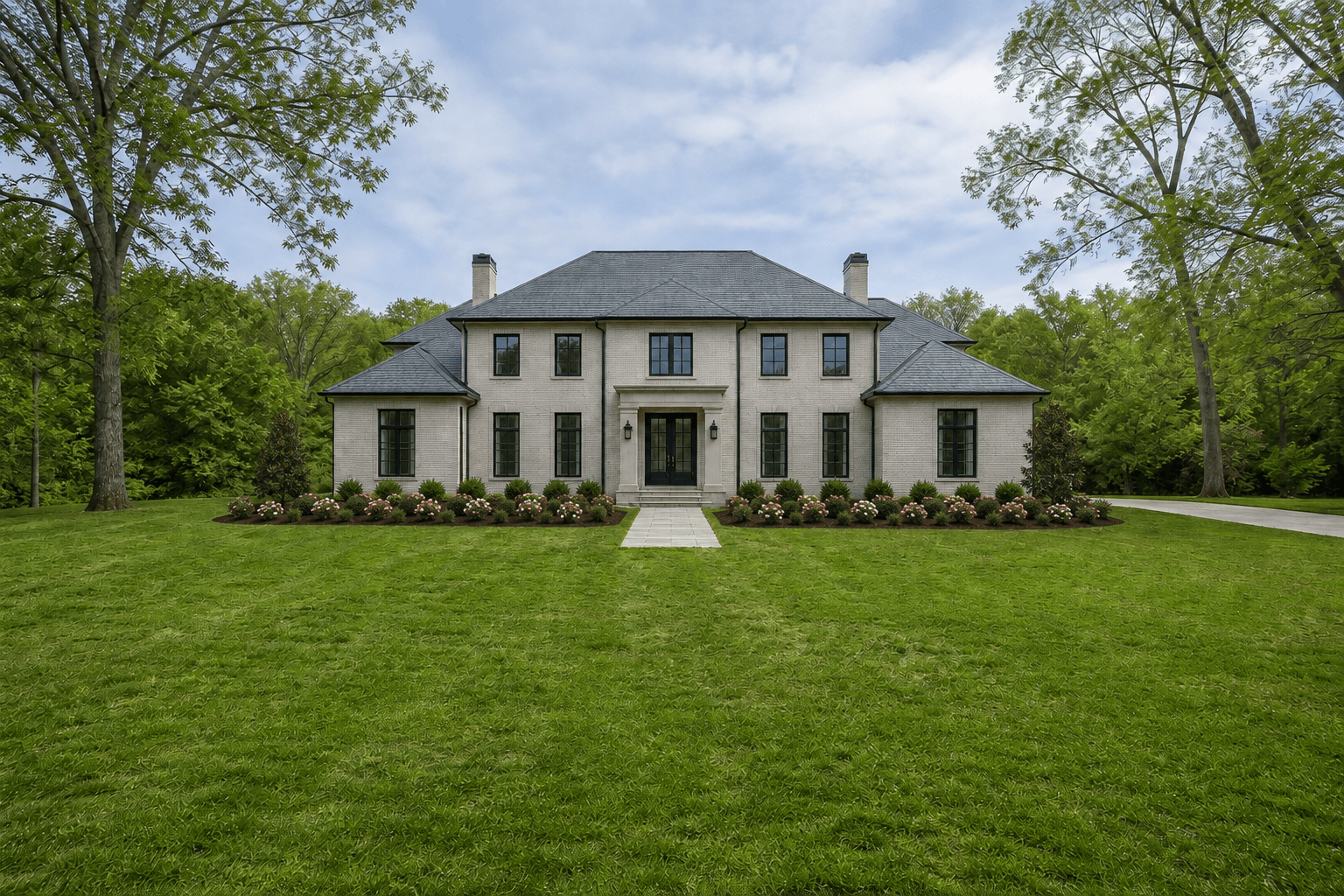
Useful tools for the work between the big milestones.
Preserve the crew’s original message alongside its English translation and review status.
“Ya cargamos las azaleas. Dos macetas están dañadas.”
“We loaded the azaleas. Two pots are damaged.”
Purchasing reviewAccounts, invoices, balances, and the responsible person—connected.
People, equipment, site notes, and plant requirements in one place.
Organize research, property details, contacts, and a clear next step.

Customers and crews rarely ask in neat categories. Anvil helps your team respond with the full record in view.
Qualify the request, check the calendar, book the visit, and keep the confirmation with the opportunity.
Open the property and see the active job, crew, photos, open issue, latest promise, and next visit.
Update the visit, notify operations, preserve the request, and confirm the new plan with the customer.
Keep the original Spanish message, translate it, attach the photo, alert purchasing, and protect the job history.
Log the issue against the job, capture urgency and access details, assign the response, and track the commitment.
See the job, estimate, change history, payment status, customer conversation, and responsible account manager.
What it is. Where it was last recorded.
Who needs it next. Keep the answer with the asset.

The mower, the crew, and today's route belong in the same record. See the assignment before promising it to another team.
Return to Bay 03 after the afternoon route
Illustrative inventory preview, not live telemetry. Sample assets, locations, usage, and assignments. Available workflows depend on company setup.
Illustrative records and workflow. Available connections and actions depend on your company’s setup.
See where the work goes, who owns the next step, and what still needs a decision. This is a connected workflow—not a claim that every step runs without review.
Two additional azaleas
Customer → Sales12 → 14 plants · +$190
EstimatingConfirm revised quantity
PurchasingCheck condition + location
Nursery teamLatest list + site instructions
OperationsKeep the decision and source
Whole teamA call, a planting revision, and a crew update can all belong to the same job. Company memory brings their context together so the next question starts with the work already done.
Explore company memoryOriginal calls, messages, and linked records.
The customer, property, job, and responsible team.
Useful answers with the context available to review.
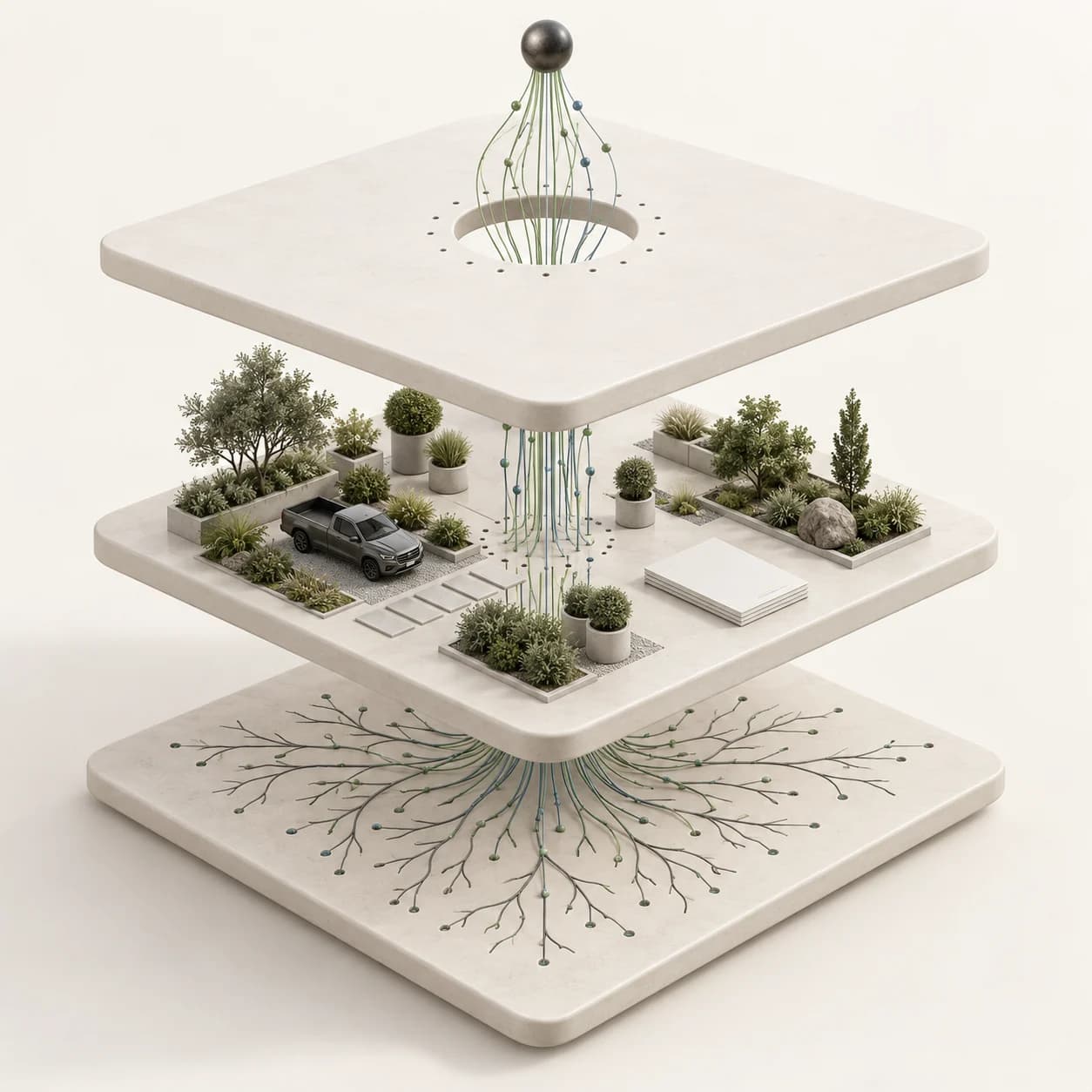
Customers. Properties. Calls. Plans. People.
The useful details should stay connected long after the conversation ends.
Scroll to move through the connected context.
The customer requested a notice before the crew arrives. The gate code is in the property notes, and the planting revision is awaiting review.
Explore the examples. Ask where the information came from. Walk through the decisions with us.
“The best handoff is the one nobody has to reconstruct.”
Keep the request, decision, owner, and next step connected.
“A useful answer should come with the reason behind it.”
Show the source record and make important context inspectable.
“Your people make the commitments. The system keeps the context.”
Keep review visible when a scope, price, or order changes.
A missed call. A revised estimate. A nursery pickup. See how the pieces connect, and discuss what your team needs configured.
Opportunity stage, last conversation, owner, and next action.
Explore this workflow OPERATIONSCrew, truck, scope, plant list, pickup, and site access.
Explore this workflow NURSERYVariety, size, receiving status, staging location, and allocation.
Explore this workflow CREW LEADOriginal message, revised scope, job updates, and decisions.
Explore this workflow OFFICECustomer history, property preferences, calls, and linked records.
Explore this workflow ACCOUNT OWNERInvoice balance, related work, account history, and responsibility.
Explore this workflowChoose the part of the work you want to connect. See a practical starting point in Anvil.
This guide uses your selected topic, not AI analysis. Your notes stay in this browser tab.
We’ll map the people, records, decisions, and follow-through around it, then show you what that workflow looks like inside Anvil.
Walk through your workflowThe people making the decisions see the context behind the work.
Keep the customer, property and requested service together.
Connected customer, job and operational context.
People retain control of commitments and exceptions.
Choose one workflow; test access, records and connections before relying on it.
Keep the customer, property and requested service together.
Connect scope, site details and the tools your team uses.
Review price, readiness and exceptions before commitments change.
Give the next person the approved context and a clear action.
One workflow. The people behind it. A clear plan for what comes next.
Bring a recent job, a missed handoff, or a task your office repeats every week. Walk through where the information lives and where the work gets stuck.
Decide which records, conversations, and tools belong together. Agree on access, source records, and the decisions that still need a person.
Use a representative example to check the result with the people doing the work. Confirm the exceptions before expanding to another workflow.
The details that help you decide whether Anvil fits your company.
All questionsLandscaping companies coordinating work across the office, crews, purchasing, and nursery. The walkthrough starts with your operation and the handoffs you want to improve.
Start by identifying what already works and what needs to connect. Available connections and any migration work are scoped around your company’s setup; a walkthrough is the place to confirm requirements.
Bring one real example: a customer inquiry, a revised estimate, a plant order, or a crew handoff. We can walk through the relevant records and discuss where Anvil could fit. Website demonstrations use illustrative data.
Anvil includes Google Calendar, Microsoft, and Slack connection workflows, alongside voice tools. Permissions, account eligibility, and the exact supported actions need to be checked for your setup.
Start with the work you want to improve. Each page explains the workflow, setup, and next step.
Explore the workflow and plan your setup.
Explore the workflow and plan your setup.
Explore the workflow and plan your setup.
Explore the workflow and plan your setup.
Explore the workflow and plan your setup.
Explore the workflow and plan your setup.
Explore the workflow and plan your setup.
Explore the workflow and plan your setup.
Explore the workflow and plan your setup.
Explore the workflow and plan your setup.
Explore the workflow and plan your setup.
Explore the workflow and plan your setup.
Explore the workflow and plan your setup.
Explore the workflow and plan your setup.
Explore the workflow and plan your setup.
Explore the workflow and plan your setup.
Explore the workflow and plan your setup.
Explore the workflow and plan your setup.
Explore how calls, customer records, and crew plans connect. Your enabled workflows and required connections are agreed during setup.
Keep the customer, property, inquiry, and next action together. Your office can see who owns the follow-up and carry the history into the job handoff.
Record the contact, property, requested work, and original conversation.
Give the follow-up an owner and a due date, whether it is a return call or a site visit.
Keep the agreed scope, customer preferences, and useful history available to the team receiving the work.
Collect the caller's reason for calling, contact details, and property context. Route the request to your team with the information needed to respond.
Agree on the greeting, service information, and questions the agent should ask.
Capture the inquiry and conversation so the next person can understand the request.
Route questions that need your team, and test any enabled calendar connection before using it with callers.
Connect the job, visit window, crew assignment, and preparation notes. Keep rescheduling decisions with the work so the office and field share the next step.
Start with the property, required work, and proposed date or service window.
Review crew availability, access instructions, and preparation needs before confirming the plan.
Record the delay or reschedule, assign the update, and confirm the new arrangement with the people affected.
I've been looking into Anvil for a while and decided to try it after speaking with the sales rep. He took the time to explain how everything works and answered my questions, which made it much easier to get started. I'm now using Anvil AI as my receptionist, already saving me a lot of time with calls. I'm really happy with my experience so far and would highly recommend it.
We are very happy with the service, and more importantly, our clients are getting 24-hour support. Looking forward to getting AI into our other businesses too.
Anvil has been a game changer for our business during our really busy times. Previously, we would miss 95% of our calls. This year, not a single call was missed. Everyone is so much happier, as we no longer have to answer the phone, and this AI receptionist does it better than we would. Amazing service and an amazing product.
Anvil connects the details behind your company, so the people doing the work can keep moving.
See your operation in Anvil
