The crew is ready for Oak Hill.
Connect the truck, loadout, property address, and approved planting scope.
Putting a job on the calendar is only part of planning the day. Anvil brings crew schedules, site visits, deliveries, and job details into the same operating picture so the office can prepare the field handoff.
Book a walkthrough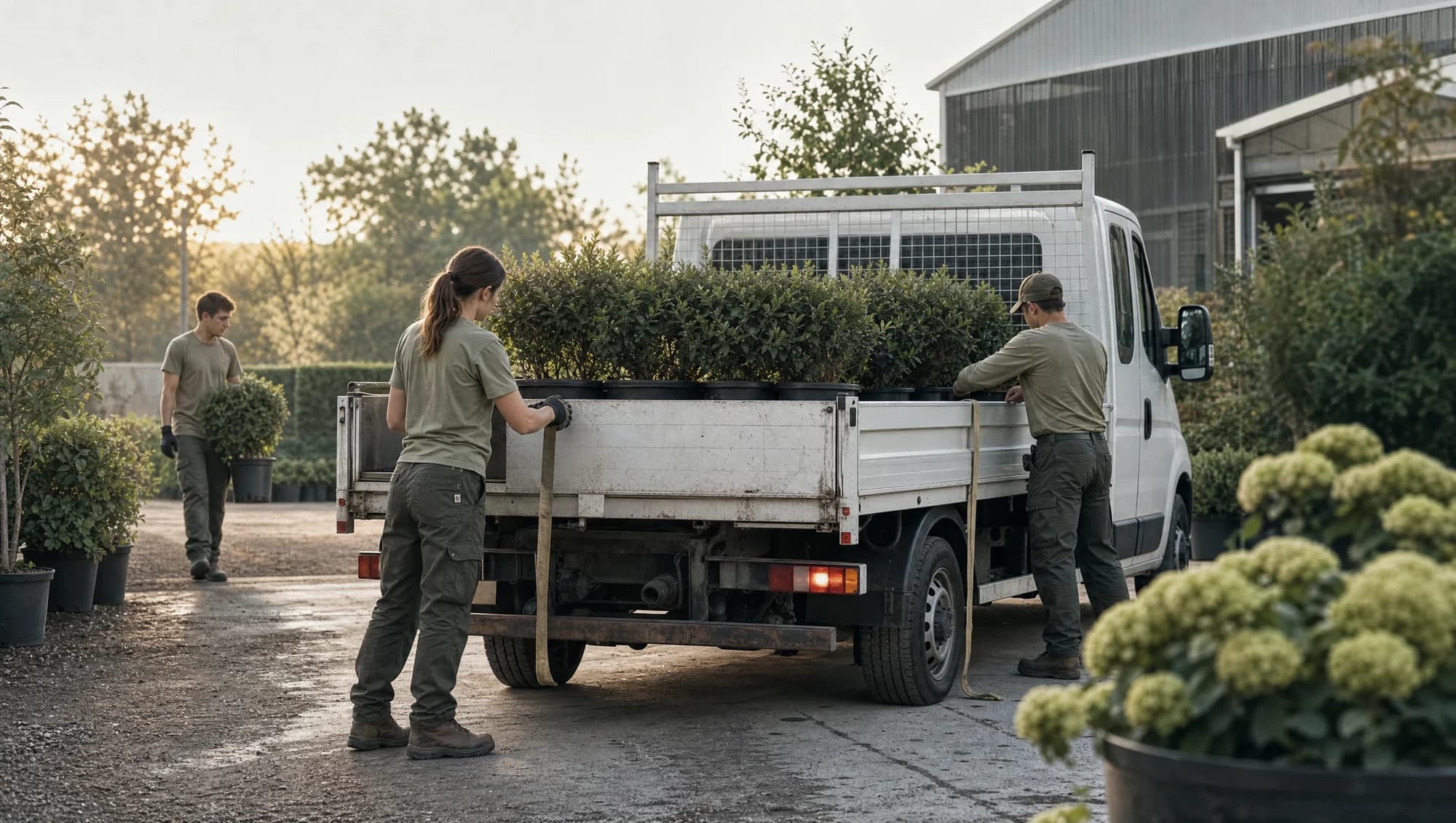
Connect the truck, loadout, property address, and approved planting scope.
The office checks an alternate job, equipment availability, and customer commitments.
Move the assignment to Cedar Grove and confirm the crew has the new address and site notes.
Workflow illustration · Sample records. Follow the steps to see how the information moves through Anvil.
Review people, materials and equipment together before the revised assignment goes to the field.
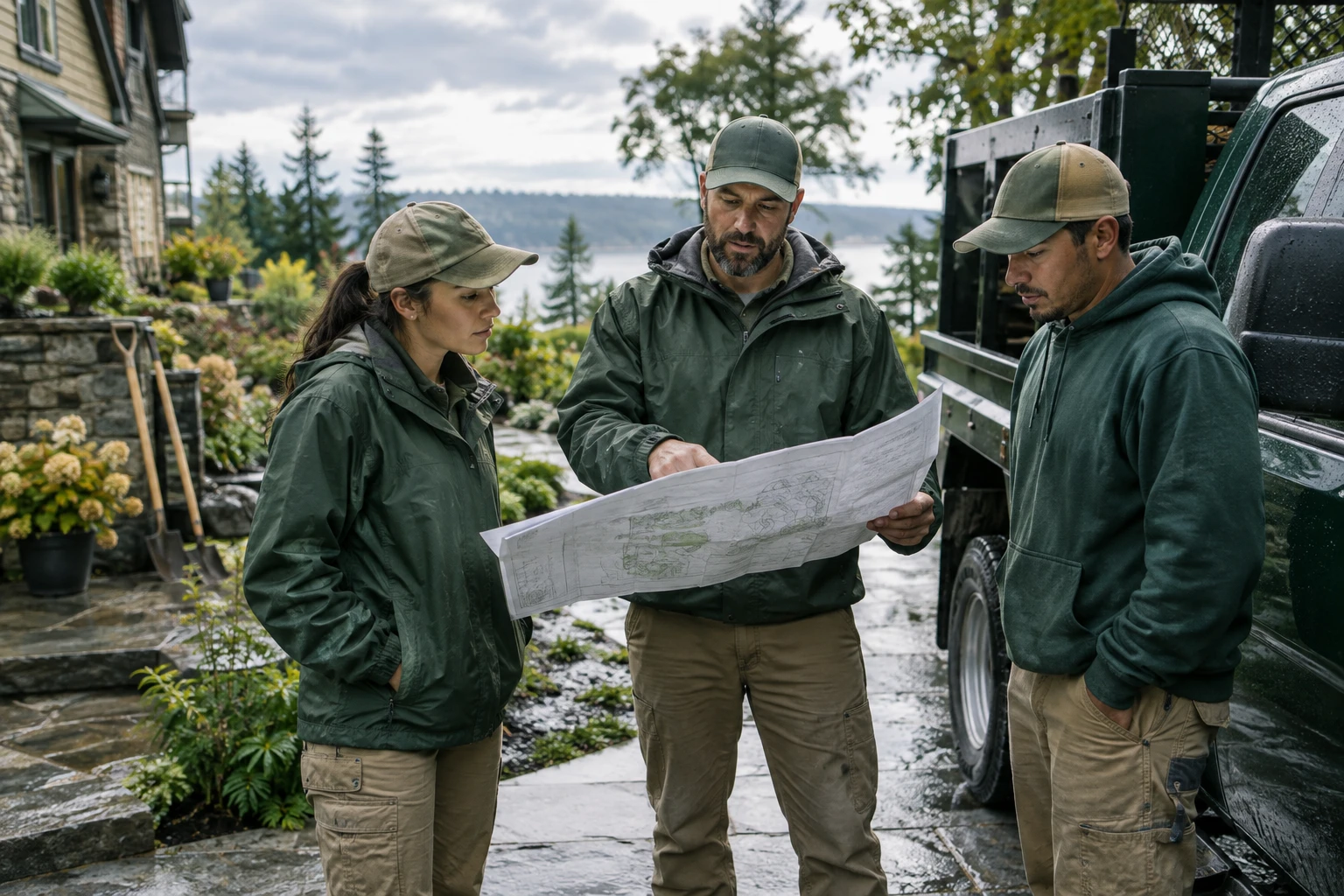
Rain delays the planting job. Identify the affected visit, crew and customer commitment.
Connected scheduling, assignments and job-readiness context.
The dispatcher chooses the plan; the crew lead confirms the handoff.
Calendar and notification channels require setup. Assignment changes do not imply automatic route optimization.
Rain delays the planting job. Identify the affected visit, crew and customer commitment.
Review an available job alongside its plants, equipment and access instructions.
Confirm the crew assignment and timing before updating the schedule.
Send the agreed update through configured channels and check crew acknowledgment.
A schedule becomes useful when the address, approved scope, plants, equipment, and updates move together.
Truck, machine, and crew paired
02Pickup tied to the assignment
03Property history stays attached
A sample handoff, from the yard to the property.
Check the plants, truck, and pickup instructions.
Review the address, access notes, and scope.
Keep updates and open questions with the job.
Start with the job, property, scope, and timing. Consider site visits, delivery needs, and the people involved.
Review crew assignments alongside vehicles, equipment, materials, and site instructions before treating a job as ready.
Keep the address, work scope, access notes, and pickup context connected so crews can understand the plan before leaving.
A landscaping schedule needs to account for more than availability. The right truck, a confirmed plant order, or a customer’s access instructions can determine whether the crew is ready. Anvil keeps those details alongside the work for a clearer office-to-field handoff.
Use a recent installation as the walkthrough example. Identify the crew, the materials to collect, and any unresolved site questions. Review how schedule changes should reach your team and confirm calendar permissions and communication channels during setup.
Review connections and setup requirementsA free slot on the calendar does not mean an installation is ready. Put the people, property, materials, and approvals through the same planning check.
A maintenance visit and a multi-day planting job have different dependencies. Review the visit window, expected duration, crew requirements, and the work that must be finished first.
Verify plant availability, pickup instructions, equipment assignments, and site access. Keep unresolved items visible, with a responsible person and a decision time.
When the plan changes, review affected crews, customer commitments, pickups, and equipment reservations together. Confirm the communication channel and who acknowledges the revised plan.
Bring a sample week with one installation and one recurring visit. We will review the records, calendar connections, responsibilities, and change notifications your company needs. Routing optimization and payroll requirements should be scoped separately.
The landscaping crew handoff checklist →Explore how calls, customer records, and crew plans connect. Your enabled workflows and required connections are agreed during setup.
Connect the job, visit window, crew assignment, and preparation notes. Keep rescheduling decisions with the work so the office and field share the next step.
Start with the property, required work, and proposed date or service window.
Review crew availability, access instructions, and preparation needs before confirming the plan.
Record the delay or reschedule, assign the update, and confirm the new arrangement with the people affected.
No. Planning assignments and job readiness is different from calculating an optimized driving route. Discuss routing needs separately; this page does not promise automatic route optimization.
Anvil includes calendar connection workflows. The selected account, permissions, and supported scheduling actions must be confirmed for your setup.
Notification behavior depends on the channels and workflow configured for your company. Agree on who receives each change and test that handoff before relying on it.
Read the connected landscaping operations guide
Connect landscaping trucks, loaders, trailers, and equipment records to the crews and jobs that need them. Keep recorded locations, service notes, and the next handoff visible.
Keep plant availability, nursery locations, receiving notes, and job reservations together. Anvil helps the office and field work from the same nursery inventory context.
Connect landscaping appointment requests with customer details, property context, and your calendar. Plan a booking workflow with Anvil.