A scoped automation can organize inputs and handoffs around your estimating system.
Anvil / Landscape estimating
Landscape estimating with a connected next step.
Keep estimating in the tools your team already uses. Anvil connects the context around the estimate: the customer request, the approved scope, and the people who need to act on it.
Book a walkthrough
LANDSCAPE ESTIMATING / THE WORKFLOW
From site details to a reviewed estimate.
Map the request to your estimating tools, prepare the draft and keep a person in charge of the price.
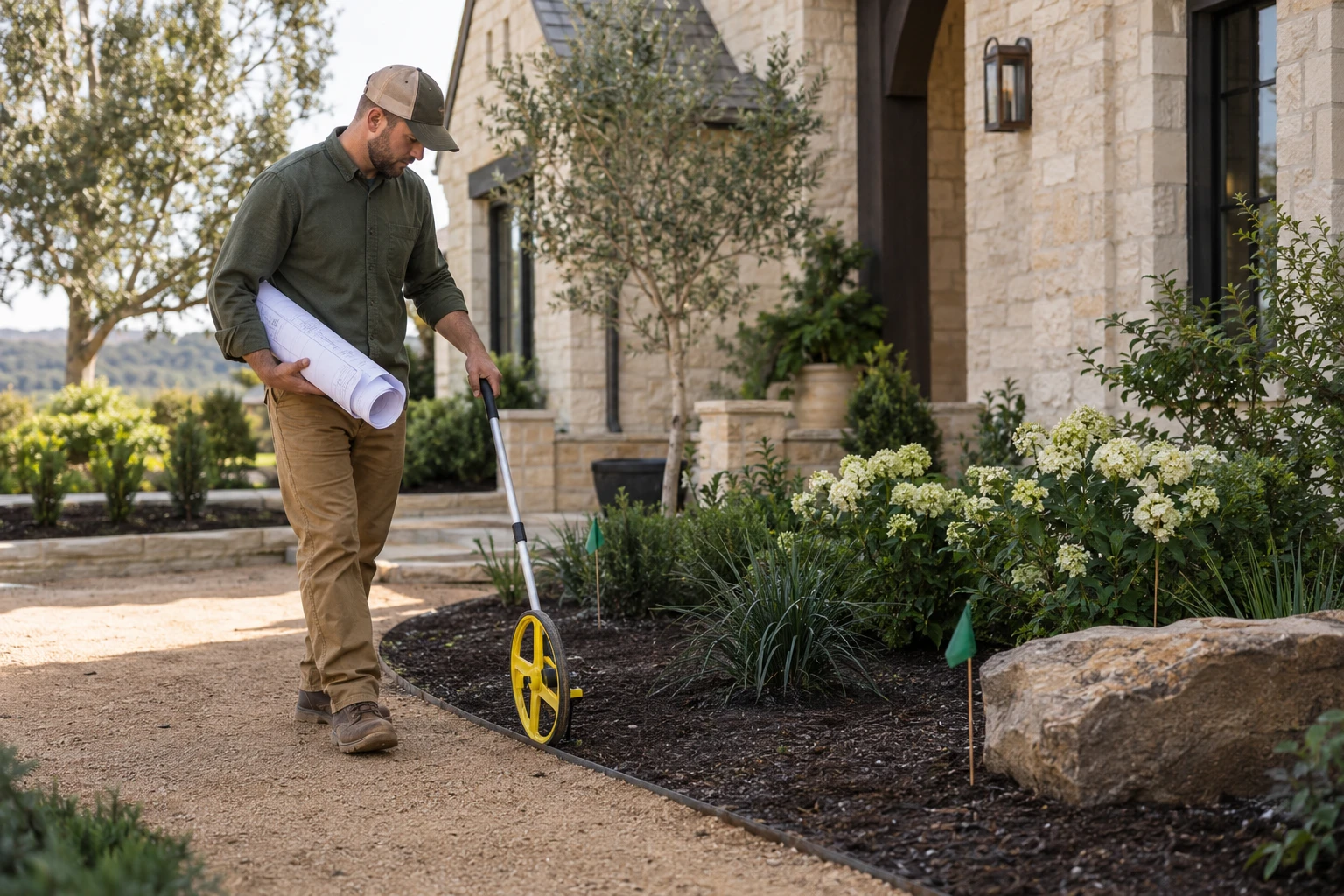
01 / 04Understand the lead
ILLUSTRATIVE PROCESSPREPARING CONTEXT
STEP 01 · Intake team
Understand the lead
Capture the property, requested work, site measurements and missing information.
RECORD AT THIS HANDOFFRequest + site inputs
Your estimator approves assumptions and pricing. Your team decides when to send the proposal.
Connector compatibility, supported actions and report format are agreed and tested. Anvil does not supply a native estimating engine.
Read the complete workflow
- Understand the lead
Capture the property, requested work, site measurements and missing information.
- Connect your tools
Map approved fields to a supported export or API in your estimating workflow.
- Review the draft report
Check quantities, assumptions, allowances and price before sharing the estimate.
- Release the approved handoff
The team releases the proposal and connects the accepted scope to the job.
See how this connects to the rest of Anvil
Turn approved scope into a prepared operation.
Keep your estimating tool at the center of pricing. Anvil carries its approved references into the customer, materials, and crew handoff.
01
See the complete Anvil system Landscaping CRM
Customer and property context
02Nursery tracking
Plants tied to the planting scope
03Crew scheduling
People ready for the approved work
KEEP YOUR ESTIMATING SOFTWARE
The connection is the useful part.
Anvil connects the handoff. Your estimating tool handles the estimate.
Scope. Quantities. Price.
- Takeoffs and calculations
- Proposal preparation
- Your pricing and approvals
Connection scoped
for your software
for your software
People. Context. Action.
- Customer and property context
- Approved scope references
- Scheduling and crew handoffs
Explore the workflow details and setup
THE WORKFLOW
From your estimating tool to the work ahead.
Estimate in your tool.
Your existing estimating software handles takeoffs, quantities, calculations, and proposal preparation. Your team owns the price.
Agree on the connection.
Review available exports, APIs, and permissions. Define which estimate details Anvil should receive and how revisions will be reviewed.
Connect the approved scope.
Bring the agreed details into the customer and job handoff so scheduling, purchasing, and crews can work from the same context.
Keep the tool that works for you.
Anvil does not provide its own landscape estimating engine. It is the connection between your estimating workflow and the rest of the operation. The exact connection depends on the software you use and the access it supports.
Bring your estimating tool’s name and a redacted proposal. We will review the fields, revisions, and approval steps your team needs to carry forward, then scope the connection before implementation.
Review connections and setup requirementsBEFORE YOU GET STARTED
Landscape estimating questions
Does Anvil create landscape estimates?
Anvil does not replace your estimating software. Calculations, takeoffs, and proposals stay in your selected tool; Anvil connects the relevant information to the wider workflow.
Which estimating tools can connect?
Compatibility must be reviewed for your specific software and account. Available APIs, exports, permissions, and required fields determine the connection; no named integration is promised before that review.
Can estimate changes update the job automatically?
That depends on the connection and approval rules agreed during setup. Define which changes need a person’s review before scheduling, purchasing, or customer commitments change.
Read the connected landscaping operations guide
Landscaping CRM
CRM for landscapers: connect customer and property records, assign lead follow-up, and hand approved work to operations. See the Anvil workflow.
Crew scheduling
Connect landscaping crew schedules with job scope, site notes, equipment, and materials in Anvil. Book a walkthrough of your office-to-field handoff.
Landscaping payments
Connect landscaping invoice and payment context with customers, jobs, and follow-ups. Review your billing tools and workflow with Anvil.