Choose the truck that is ready.
Check recorded usage, availability, and service notes before assigning the vehicle.
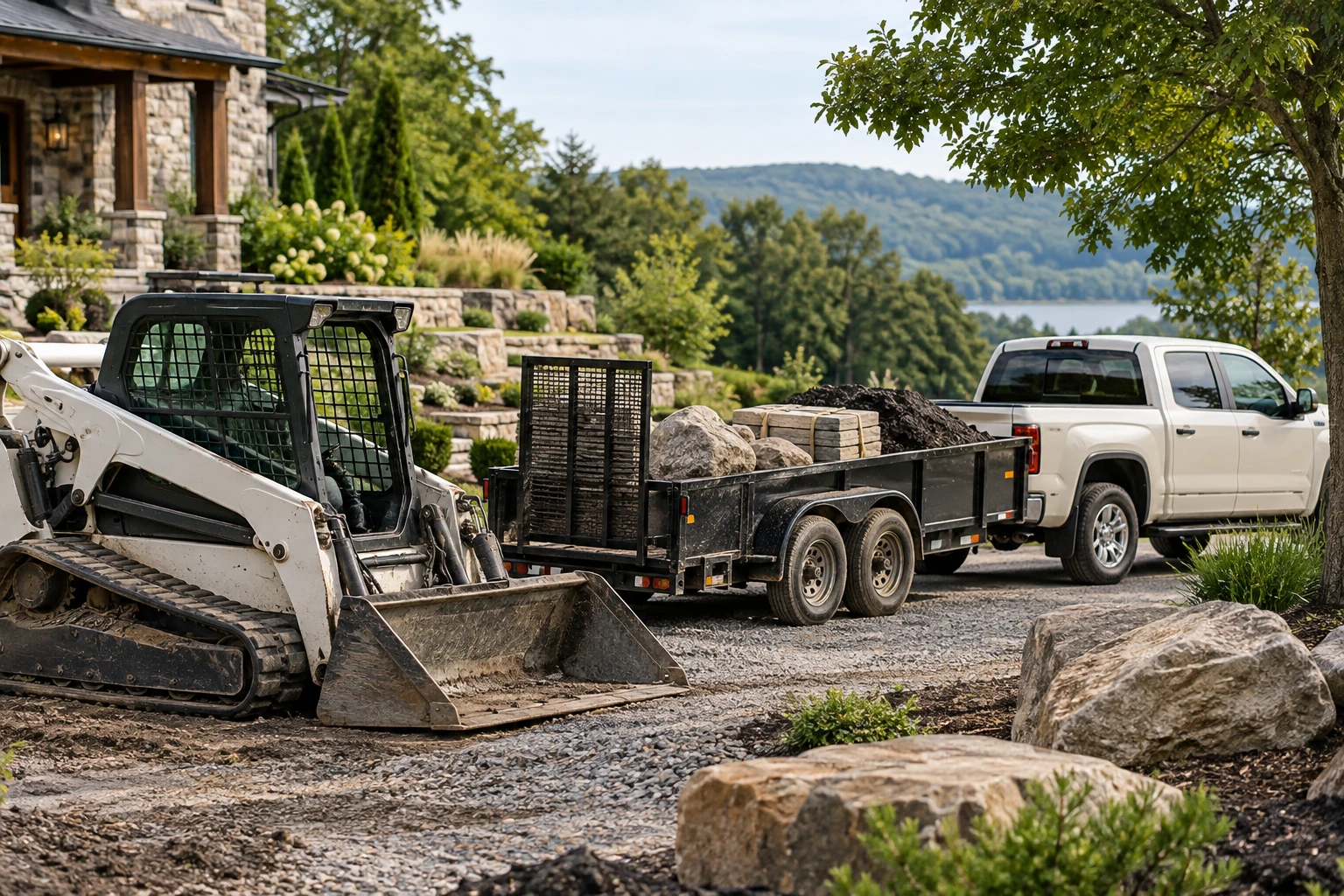
Connect landscaping trucks, loaders, trailers, and equipment records to the crews and jobs that need them. Keep recorded locations, service notes, and the next handoff visible.
Book a walkthrough
Check recorded usage, availability, and service notes before assigning the vehicle.
Connect the trailer, machine, responsible crew, and destination to one job.
Record the return location, usage, and inspection notes for the next crew.
Workflow illustration · Sample records. Follow the steps to see how the information moves through Anvil.
Check availability, service state and the job before releasing equipment to a crew.
Match the job to the required vehicle, trailer or machine.
Equipment records, assignments, availability and service context.
A person verifies condition and releases equipment for use.
Recorded locations and assignments are not live GPS. Tracking hardware and external telemetry require separate scoping.
Match the job to the required vehicle, trailer or machine.
Review reservations, service state and the planned assignment window.
Confirm the responsible crew and pickup or transport plan.
Check the return and flag damage or service needs for the next job.
Connect the asset, usage notes, responsible crew, and job destination from dispatch through return.
Pair the equipment with the crew
02Connect the plant pickup
03Bring the destination and access notes
Review the truck or machine, recorded usage, service notes, and availability.
Connect the equipment to its crew, job, trailer, and pickup instructions.
Capture the return location, usage, and inspection notes before the next assignment.
An asset in the yard may still be on a service hold. Keep maintenance notes alongside assignments so scheduling can account for availability.
Bring a redacted inventory list and one recent job to a walkthrough. We will review your records, team responsibilities, and the connections needed for your workflow.
Review connections and setup requirementsThese workflows track recorded asset information and assignments. Live GPS or telematics requires a separately supported and tested provider connection.
Review your vehicles, trailers, machines, identifiers, and assignment process during setup. Define which usage and inspection details your team will record.
Record service holds and review them before assigning an asset. Automated scheduling restrictions depend on the rules configured and tested for your company.
Read the connected landscaping operations guide
Connect landscaping crew schedules with job scope, site notes, equipment, and materials in Anvil. Book a walkthrough of your office-to-field handoff.
Keep plant availability, nursery locations, receiving notes, and job reservations together. Anvil helps the office and field work from the same nursery inventory context.
CRM for landscapers: connect customer and property records, assign lead follow-up, and hand approved work to operations. See the Anvil workflow.