Maintenance visits, checklists, exceptions and property history.
Landscaping maintenance software that remembers the property
Repeat visits should build on what the team already knows. Anvil brings landscape maintenance service plans, visit checklists, property history, and follow-up into the same operating context so each crew can understand the work and record what changed.
MAINTENANCE / THE WORKFLOW
The next visit starts with the last one.
Keep recurring work, property instructions and completion history in the same context.
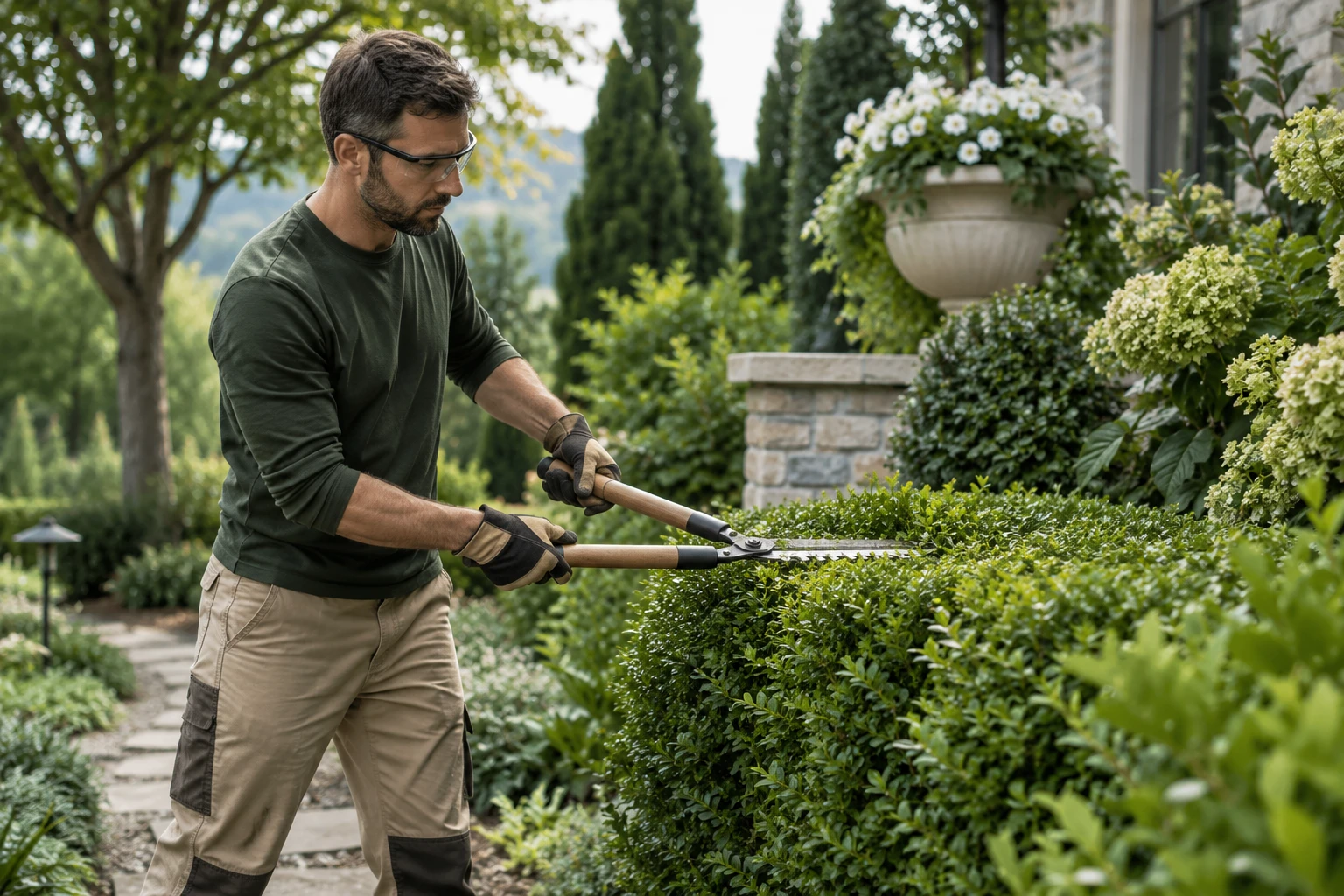
01 / 04Prepare the visit
ILLUSTRATIVE PROCESSPREPARING CONTEXT
STEP 01 · Account manager
Prepare the visit
Review the property instructions and work expected on this visit.
RECORD AT THIS HANDOFFVisit checklist
Your team reviews rescheduling and requests outside the agreed scope.
Visit rules, assignments and notifications require setup; completion depends on actual field records.
Read the complete workflow
- Prepare the visit
Review the property instructions and work expected on this visit.
- Give the crew context
Show timing, access and the unresolved issue from the previous visit.
- Review exceptions
A delayed visit or extra request needs a decision before the plan changes.
- Close the visit
Record checklist completion and the notes needed for next time.
Explore the service details, connections and setup
The next visit starts with the property history.
Keep the customer context, assigned crew, and remaining tasks useful to the account owner.
01
See the complete Anvil system Landscaping CRM
Retain the property and conversation
02Crew scheduling
Review the visit assignment
03Payments and invoices
Connect the billing handoff
PLAN THE WORKFLOW
Keep each handoff connected to the work
Keep the service plan with the property
Record the agreed tasks and property context before planning the visit. A commercial site may need access instructions and customer-specific priorities; a residential property may have planting or irrigation notes the next crew needs. Review the service scope separately from any enhancement request so additional work is not silently treated as included.
Make each visit a useful record
Maintenance checklists support pending, completed, and skipped tasks with notes. Keep the visit associated with the correct job and property. If a crew finds a problem or cannot complete a task, record the reason and the follow-up the office needs instead of marking the whole visit complete without context.
Prepare the next visit after a change
Weather, customer requests, and site conditions can change the plan. Review the affected visit, assigned people, and customer notice together. Keep the original request and a responsible person visible. Confirm how repeat visits, calendar updates, and team communication will work in your setup before relying on automation.
Bring the process you use today
Illustrative maintenance visit: the crew completes mowing and edging but skips one irrigation check because access is blocked. The checklist records that exception and a note for the office. A team member contacts the customer, confirms access, and reviews the next visit. The recorded exception gives the next crew context; it does not automatically change the service agreement.
Review connections and setup requirementsWhat to bring to your walkthrough
- One recurring property and its agreed service scope
- A month of existing visit dates and crew assignments
- Your completion checklist and example delay
- The person responsible for customer updates and billing handoffs
Use a redacted example. Review the records, roles, approvals, and required connections before agreeing on implementation.
BEFORE YOU START
Landscaping maintenance questions
Is this for commercial landscape maintenance or residential lawn care?
The workflow can be reviewed around either type of property. Bring the actual service plan, visit checklist, access requirements, and office handoff. Fit depends on the process and connections your company needs rather than the label alone.
Does Anvil automatically optimize maintenance routes?
No automatic route optimization is promised here. Review crew assignments and visit readiness in Anvil, and scope any specialist routing requirement separately.
Can we track tasks that were skipped during a visit?
The maintenance workflow includes checklist task states and notes. Use a walkthrough to review how your team records a skipped task, who follows up, and how the next visit carries the property context.
Does this manage recurring contracts and automatic billing?
Service-plan records and visit context are distinct from contract execution and payment collection. Confirm recurring scheduling behavior during setup; contracts, invoices, and payment actions depend on your selected providers and approved workflow.
Plan your next step with Anvil
Tell us about your company and the work you want to improve. Answer a few questions so we can prepare a useful call.
Book a CallLandscaping project management
Connect landscaping project scope, property notes, crews, materials and changes in Anvil. Walk through your job handoff from approval to completion.
Landscaping change orders
Keep landscaping scope changes, source requests, approval decisions and job impacts connected in Anvil. Review the handoff to crews and purchasing.
Connected operations guide
Follow the source request through the office, nursery, and crew handoff.