Supplier order references, receiving and job allocation records.
Follow the plant order all the way to the job.
Landscape purchasing software keeps the plant requirement, supplier order, receiving record, and job allocation connected. Anvil gives your office and nursery a shared record of what was ordered, what was accepted, and what the crew is waiting for.
LANDSCAPE PURCHASING / THE WORKFLOW
Follow the order through partial deliveries.
Keep supplier references, received quantities and the destination job connected.
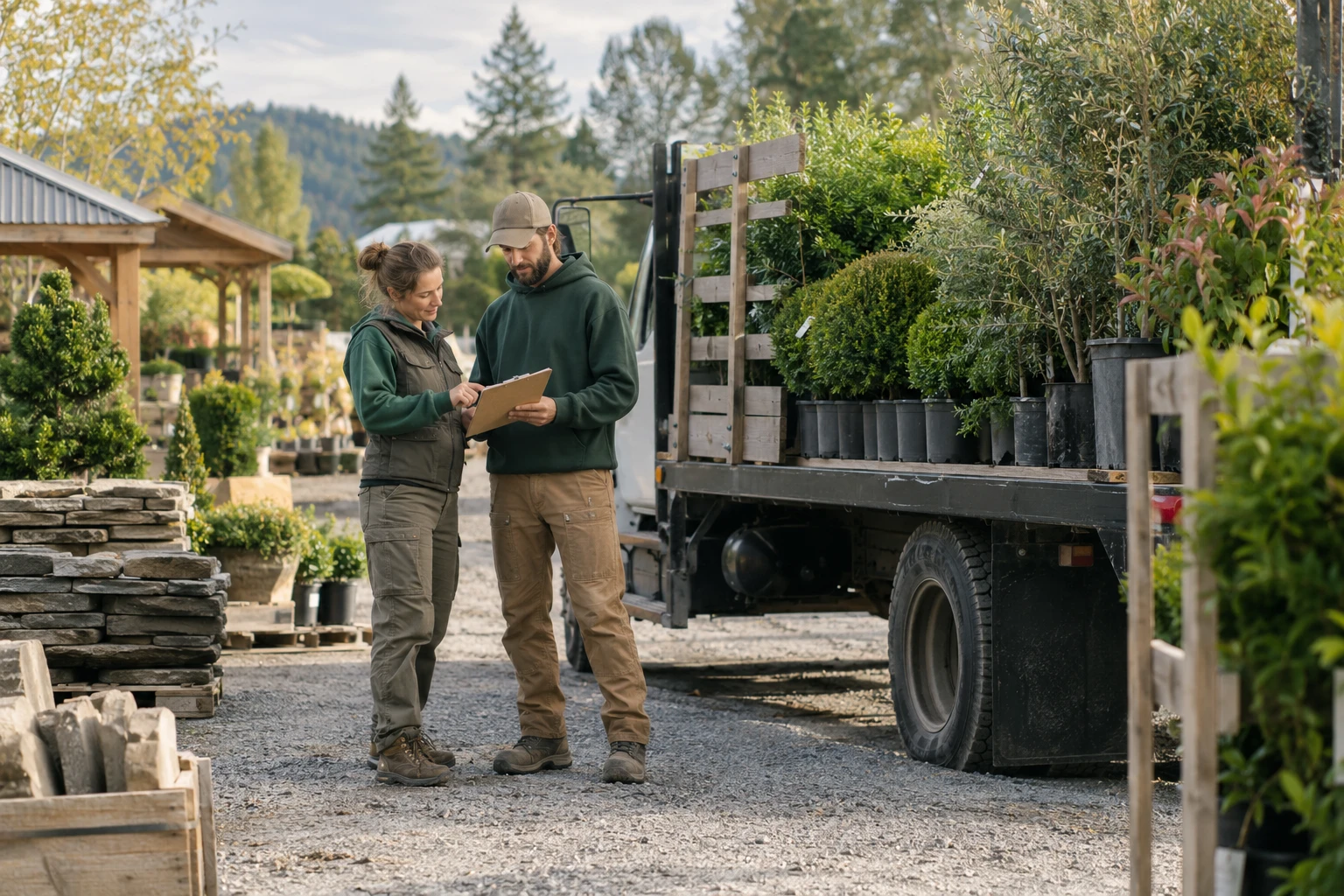
01 / 04Record the purchase
ILLUSTRATIVE PROCESSPREPARING CONTEXT
STEP 01 · Procurement
Record the purchase
Attach the supplier and existing order reference to the required materials.
RECORD AT THIS HANDOFFPurchase record
Procurement reviews discrepancies and purchasing commitments.
Recording an existing purchase does not send an order to a supplier. Supplier integrations need separate verification.
Read the complete workflow
- Record the purchase
Attach the supplier and existing order reference to the required materials.
- Track the receipt
Record delivered quantities without treating a partial delivery as complete.
- Resolve discrepancies
Review substitutions, shortages and supplier follow-up before allocating stock.
- Allocate to the job
Connect the received material and pickup context to the destination job.
Explore purchasing records and setup
ONE JOB. ITS CONNECTED HANDOFFS.
See where the work goes next.
Illustrative records show the workflow to review with your team.
Purchase reference
An existing supplier order records 20 plants for the installation.
Partial delivery
12 accepted; the remainder stays visible as outstanding.
Condition issue
A damaged container receives a note and purchasing follow-up.
Job handoff
Accepted plants have a staging location and pickup responsibility.
THE DETAILS BEHIND THE WORK
A useful record at every step.
Keep the requirement with the purchase
Start with the plant or material, size, quantity, job, needed date, and approved scope. Save supplier and order references so the team can check the source of a commitment. A proposed substitution should be reviewed before it changes what the customer or crew expects.
Distinguish research from a placed order
Comparing suppliers and recording an existing order are different steps. Anvil's existing-order workflow saves the purchase reference, plant, quantity, and expected delivery date for an order already placed with a supplier. Saving that record does not send a new order to the supplier.
Record partial receiving and condition
A delivery may arrive in several parts or include damaged stock. Keep ordered quantities separate from accepted quantities, record condition and supporting documents, and retain outstanding requirements. Give shortages or replacements an owner so the crew's readiness reflects the actual receiving record.
Connect stock to the installation
Receiving a plant is not the same as reserving it for a job. Review its nursery location, allocation, pickup window, and the people responsible for the handoff. Keep purchasing history available beside the job when delivery timing or scope changes.
What to bring to your walkthrough
- One redacted supplier order and its reference
- The plant list, sizes, and quantities for its job
- A partial delivery or quality issue example
- Your approval, receiving, allocation, and pickup responsibilities
Use a redacted example. We will review the records, people, approvals, and connections your company needs before agreeing on implementation.
Review connections and setupGOOD QUESTIONS. STRAIGHT ANSWERS.
Landscape purchasing questions
What is landscape purchase order software?
It organizes purchase references, suppliers, plants or materials, quantities, delivery expectations, receiving, and related jobs. It helps a team compare the order with what arrived and identify the remaining work.
Does saving an order in Anvil send it to a supplier?
The record-existing-order workflow does not send an order. It records a purchase already placed. Any supplier ordering connection requires a separate review of supported access, approval, and setup.
How do we track a partial plant delivery?
Preserve the ordered quantity and record the quantity accepted in receiving. Add delivery documents and condition notes, then assign follow-up for the outstanding plants. Review readiness against accepted quantities rather than the original order alone.
How is purchasing different from nursery inventory?
Purchasing follows the supplier order and delivery. Nursery inventory follows the recorded stock, location, and allocation after receiving. Connecting both records lets the team trace a plant from order to pickup.
Is Anvil connected to our nursery or supplier?
Named supplier access is not assumed. Bring the supplier systems you use so their exports, account access, and required permissions can be reviewed before any connection is promised.
Explore the work around it.
Nursery inventory
Explore the records and next steps.
Project management
Explore the records and next steps.
Landscape estimating
Explore the records and next steps.
Scope changes
Explore the records and next steps.